A camera for the Mac
Wearing the iPhone’s interface
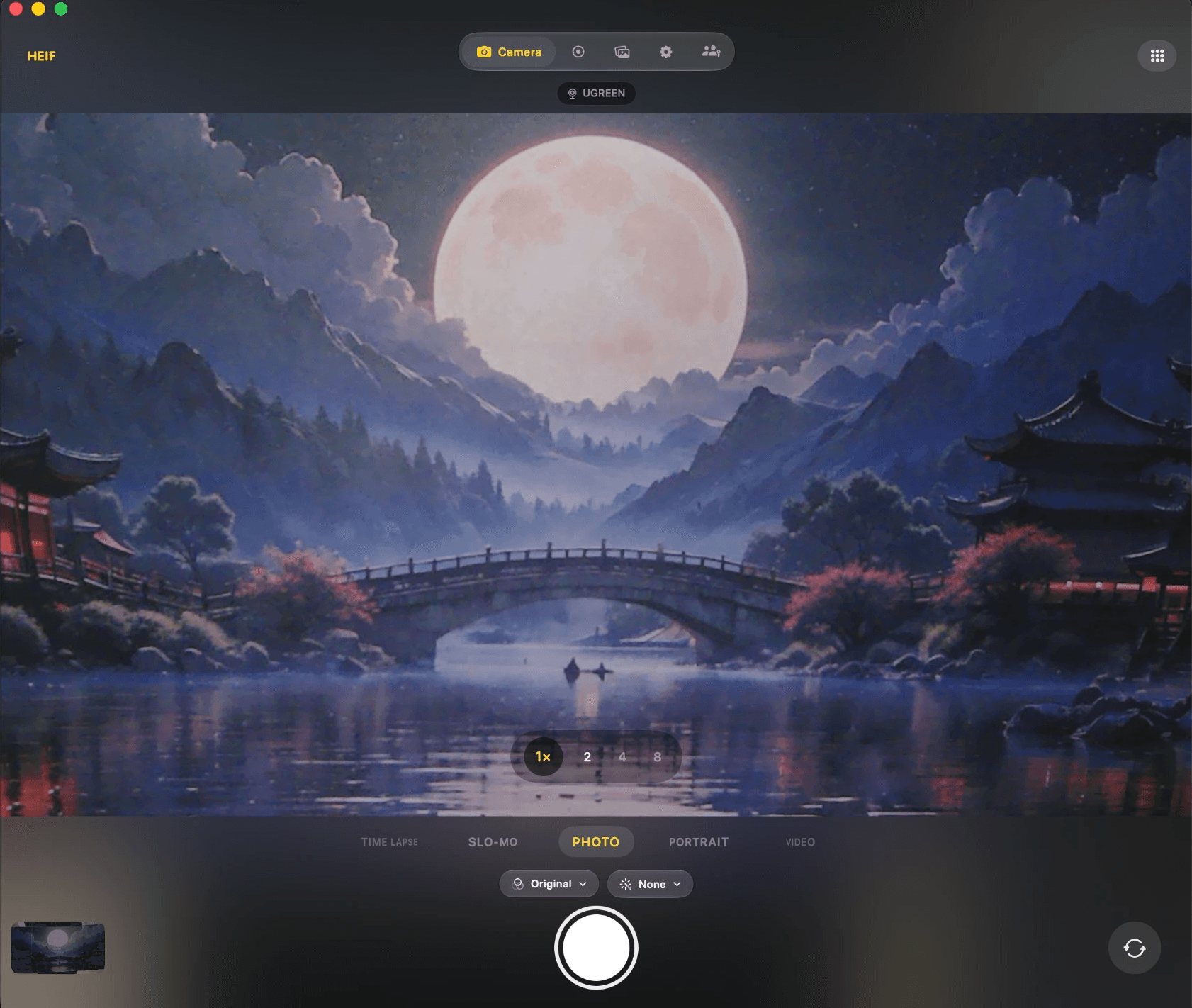
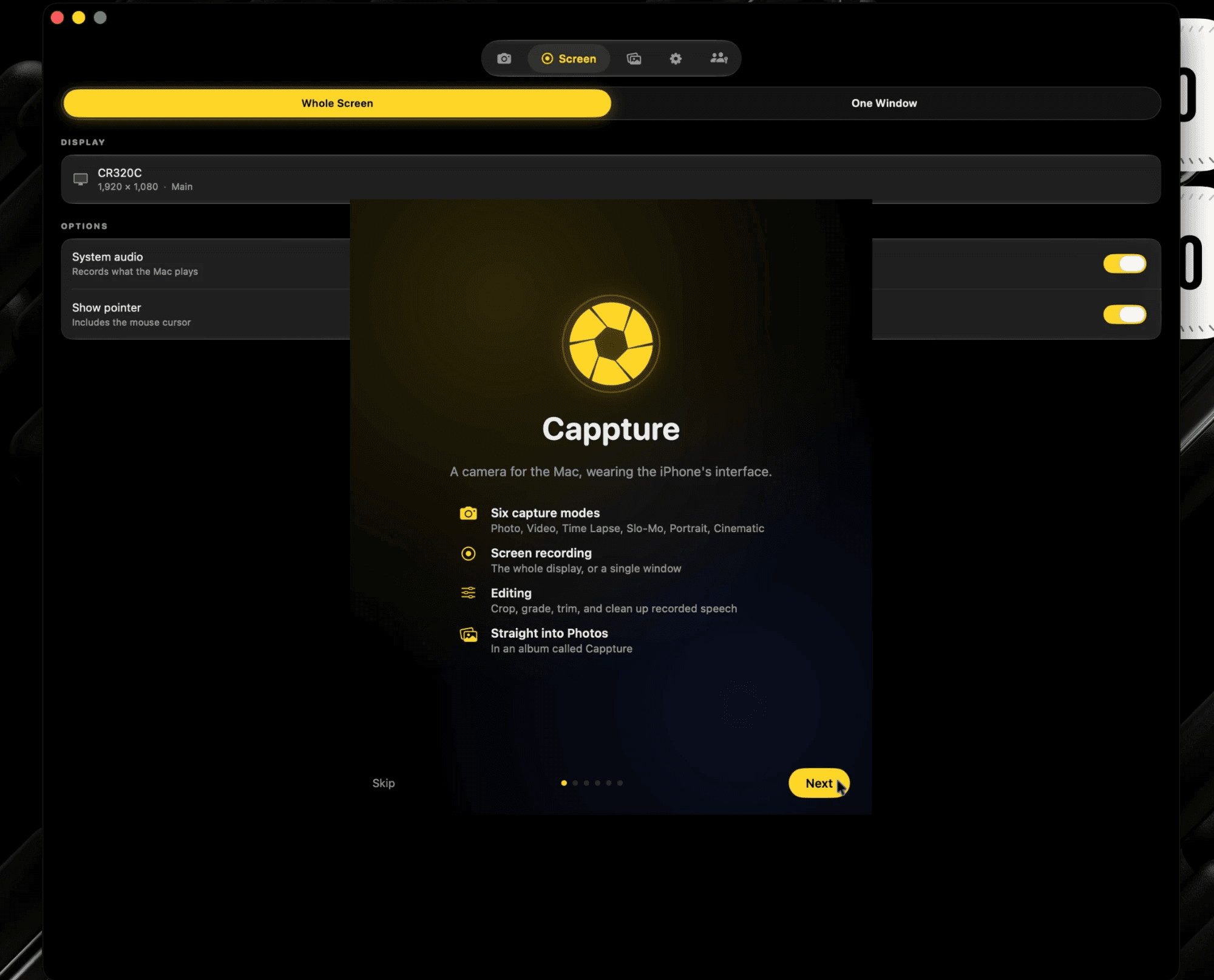
Six modes, iOS filters live in the viewfinder, Portrait and Cinematic depth, screen recording and an editor. Nothing you shoot ever leaves your machine.
Seven days free, no card. 1.74 · 10.0 MB · macOS 14+
$19.99 once, for five Macs. Or install it from the terminal.
brew install --cask yusufdiallo1/tap/capptureHow it works
01
One line in Homebrew, or the disk image. The cask clears the quarantine flag, so there is no right-click dance.
02
Six modes, filters live in the viewfinder, and the background blurred while you record rather than afterwards.
03
Every capture lands in the app's library and in Photos. Nothing is hidden inside a package you have to know about.


Live. Filters and depth in the viewfinder, not after.
Findable. In the app, and in Photos.
Yours. Nothing you shoot leaves the Mac.
Once. $19.99, for five Macs.
Where your photos go
Photo Booth buries what you shoot inside a .photolibrary package you have to right-click to open. Screenshot tools scatter files across the Desktop. Cappture keeps every capture in the app where you can see it, and sends each one straight to Photos.
Everyone else
Four steps, and you still have to know the folder is a package.
Cappture
In the app
Every capture, in a library you can scroll.
And in Photos
Sent there as you shoot, straight into your library.
No steps. It is already where you would look.
What it does
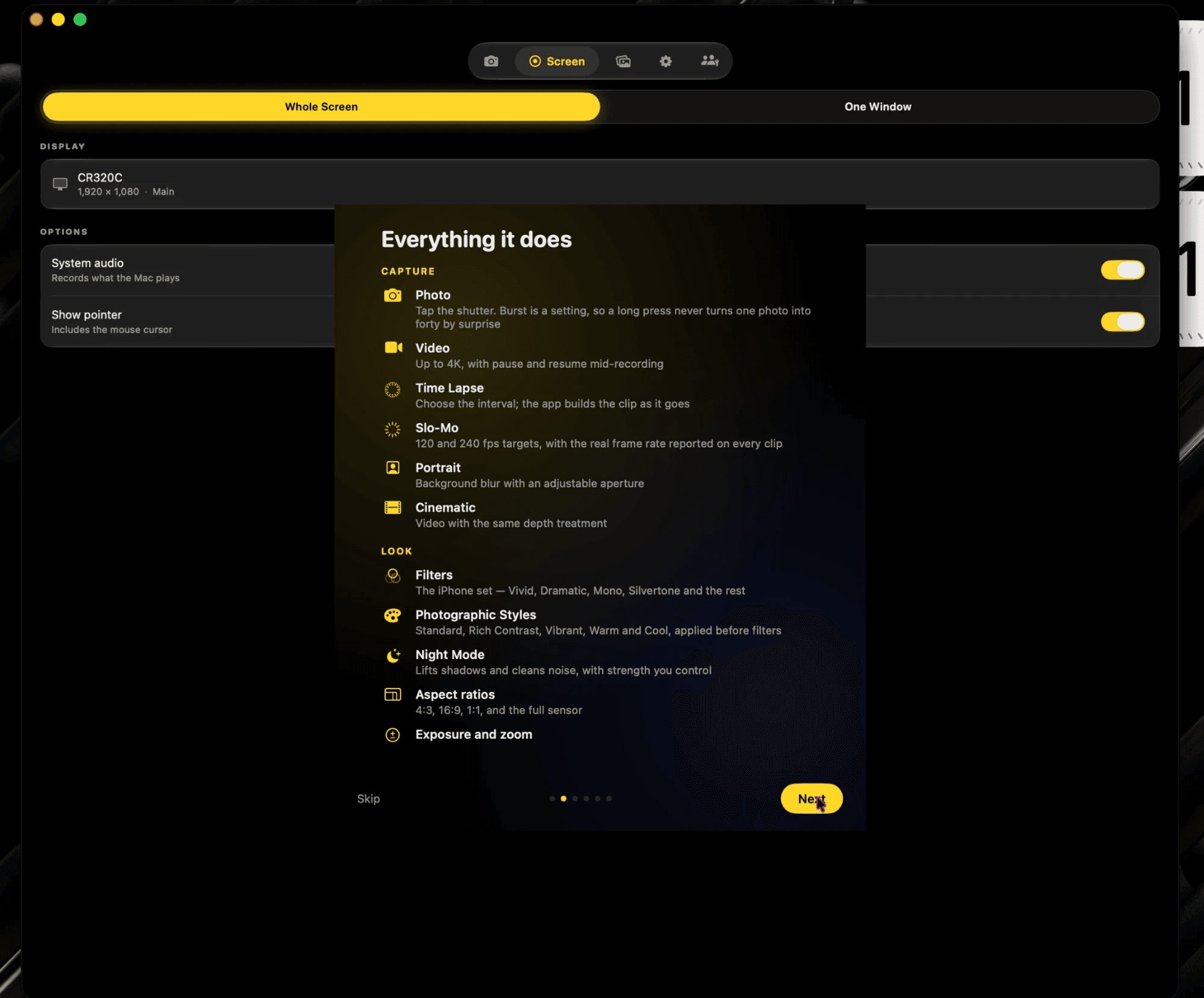
The carousel from the iPhone, on your Mac. Portrait and Cinematic blur the background live, while you shoot rather than after.

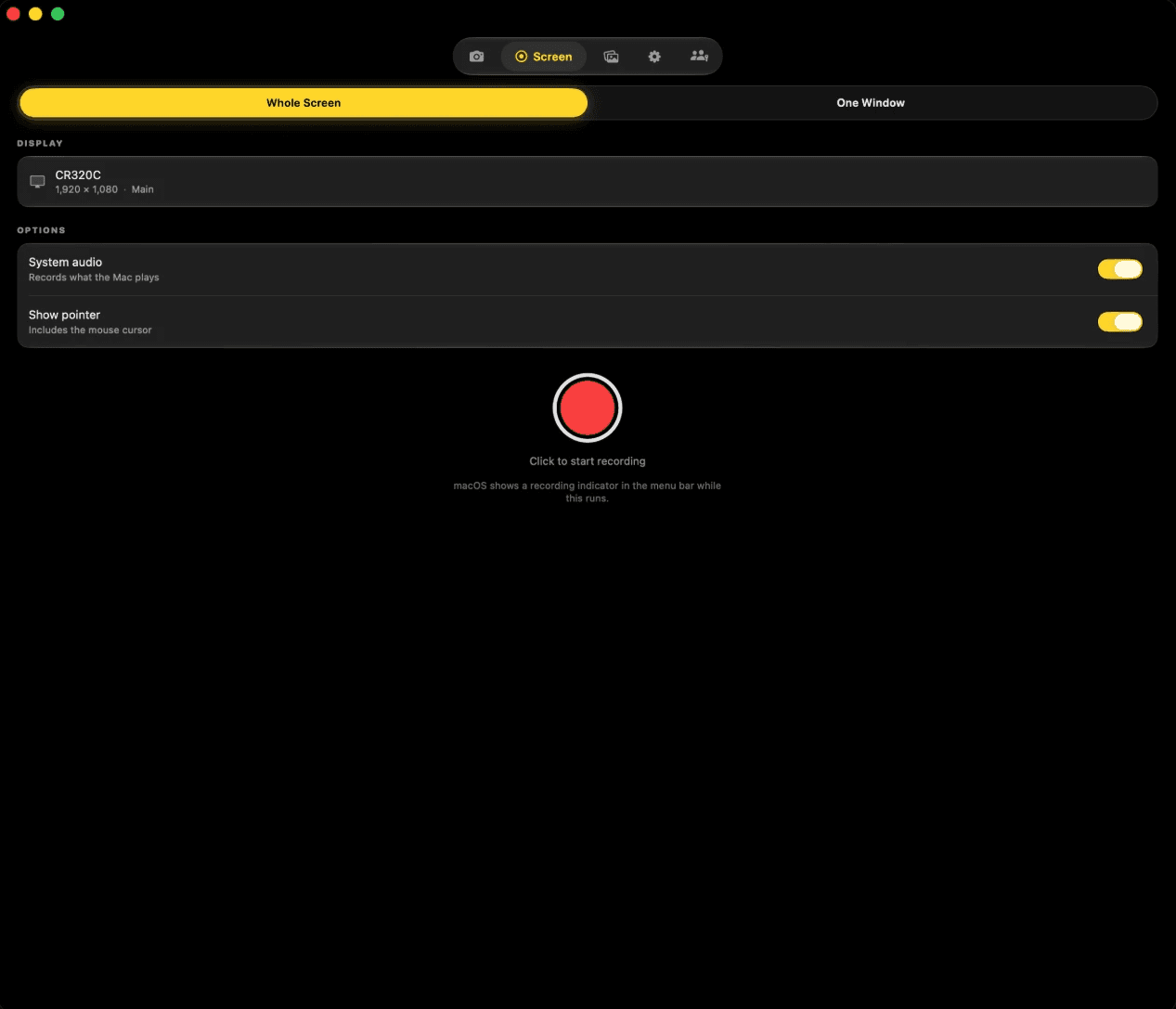
The whole screen or a single window, with system audio and the pointer. It is a camera app that also records what the Mac is doing.

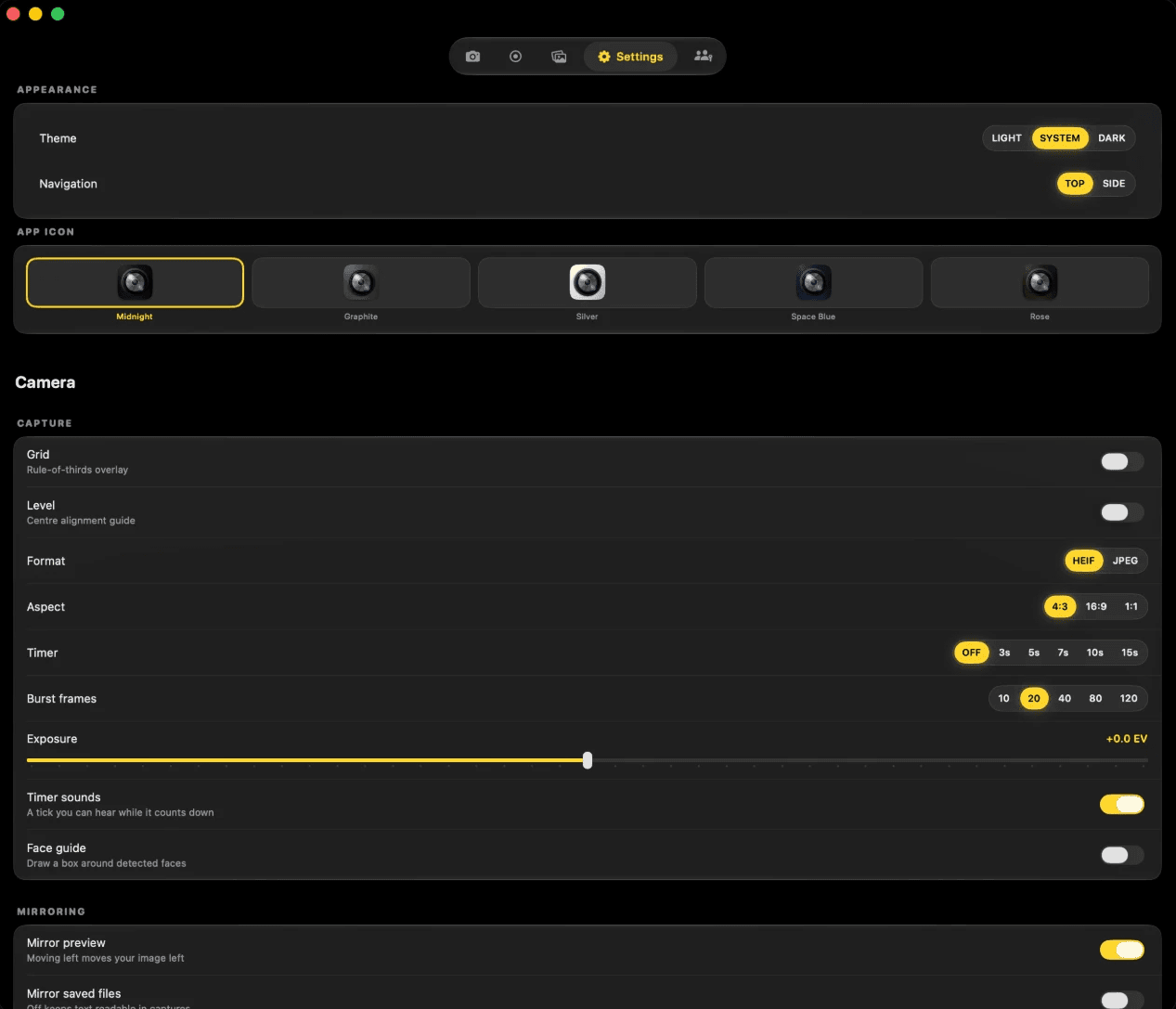
Grid, level, format, aspect, timer, burst count and exposure — and five app icons, because the thing in your Dock should look how you want.

The same grades the iPhone applies, live in the viewfinder.
Crop, grade, trim, and clean up the audio without leaving the app.
Ten to a hundred and twenty frames, your choice, then keep the ones you want.
Thirty days to change your mind, with Put Back, exactly as Photos does it.
Every capture reaches your Photos library as you shoot.
Nothing about what you shoot ever leaves the Mac.
Version 1.74
Rack focus while you record.
System audio and mic, on separate tracks.
Thirty days to undo a delete.
Real depth from the camera, graded in the viewfinder. Rack focus between subjects while recording, the way the iPhone does it.
Capture a window, a display, or a region, with what the Mac is playing and what the microphone hears, on separate tracks.
A library you can scroll, inside the app and in Photos. Photo Booth buries its captures in a package you have to right-click to open. This does the opposite.

Burst: 10 to 120 frames, then keep the ones you want.
Five app icons, switched from Settings.
Grid, level, timer, aspect and exposure.
Apple silicon, macOS 14 and newer.
Keyboard
The whole camera is reachable without the trackpad. Space takes the shot.
Capture
Switch mode
Cancel the timer
Zoom to a stop
1× through 5×
Grid
Level
Show or hide the controls
Mirror the preview
Refresh the library
Show the captures folder
Settings
Help
Every one of these is in the menu bar too, so you never have to remember a key you only use once a month.
Make it yours
Choose from Settings and it changes straight away — no relaunch, and nothing written into the app bundle.
MidnightThe default
Settings → Appearance, in the app.
Pricing
No subscription, no tiers, and nothing held back in a version you did not buy.
Seven days free first — no card to start. Fourteen days to change your mind afterwards.
Buy CappturePayments are handled by Stripe. We never see your card.
Questions
Download Cappture and use it for seven days. Every feature is there — no watermark, no export limit, nothing held back. You are not asked for a card, and nothing happens automatically when the week is up.
Something else? Email us — someone on the Cappture team reads every one.